LoTW® goes down now and then: planned maintenance, an upgrade, an outage nobody planned. If your logging program uploads each QSO to LoTW as you log it, you know what LoTW downtime feels like: a TQSL "upload failed" message after every contact, and a pile of uploads to sort out afterwards.
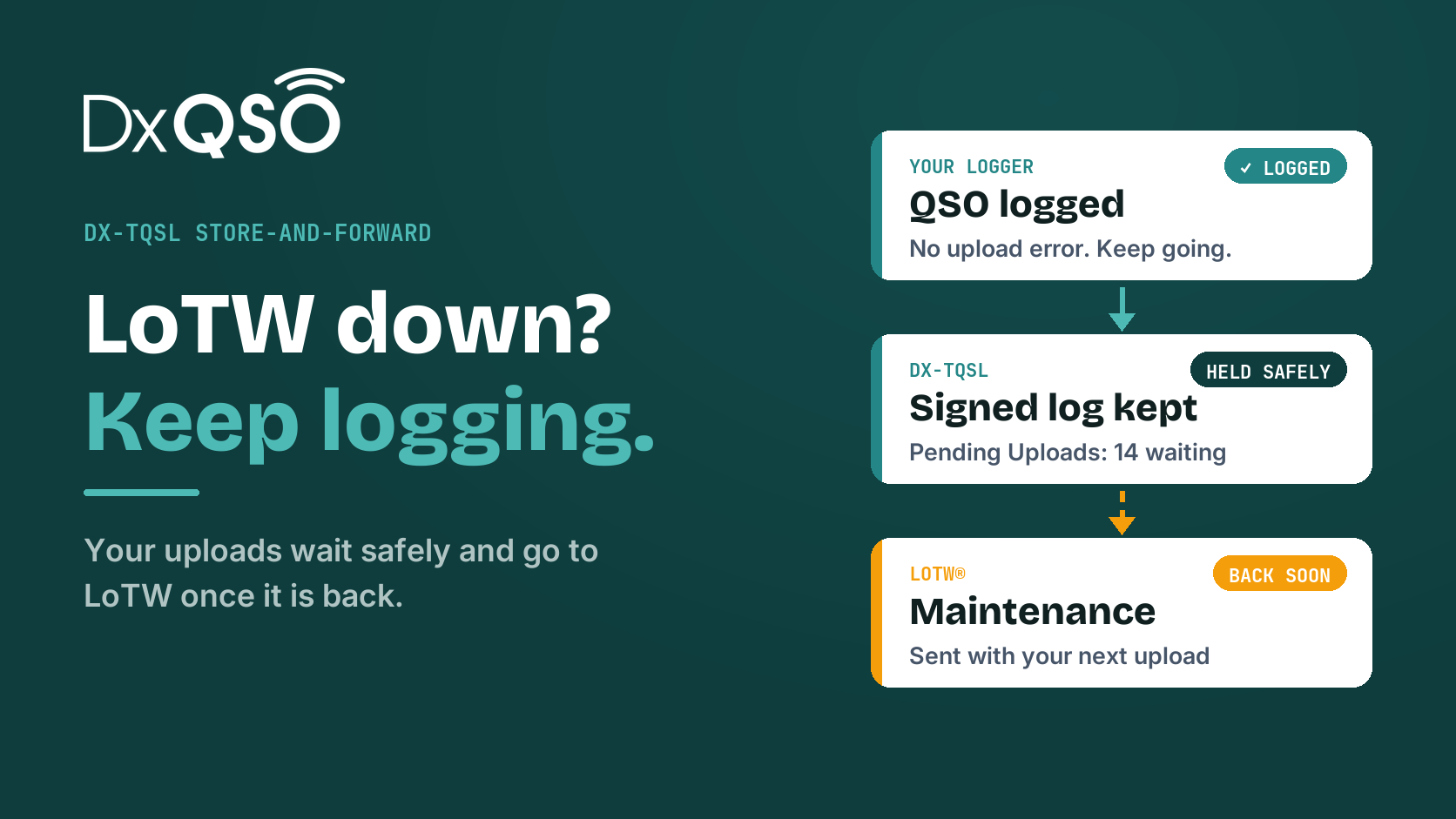
DX-TQSL 2.87 changes that. When LoTW can't be reached, DX-TQSL keeps your signed log, tells your logging program it is safe, and sends it on to LoTW once LoTW is back. You keep logging. Your logger keeps uploading. Nothing to remember and nothing to re-sign.
What happens when LoTW is down
- You log a contact as usual. Your logging program calls DX-TQSL exactly the way it called TQSL. Nothing changes in the shack.
- LoTW doesn't answer. DX-TQSL signs the log as always, tries to upload it, and finds that LoTW can't be reached or isn't answering properly.
- The signed log is kept, not lost. It goes into DX-TQSL's queue, and your logging program is told the log is safe, so it moves on without an error.
- The next contacts don't wait. Once DX-TQSL has seen LoTW fail, uploads for the next ten minutes go straight into the queue instead of waiting for LoTW to time out again.
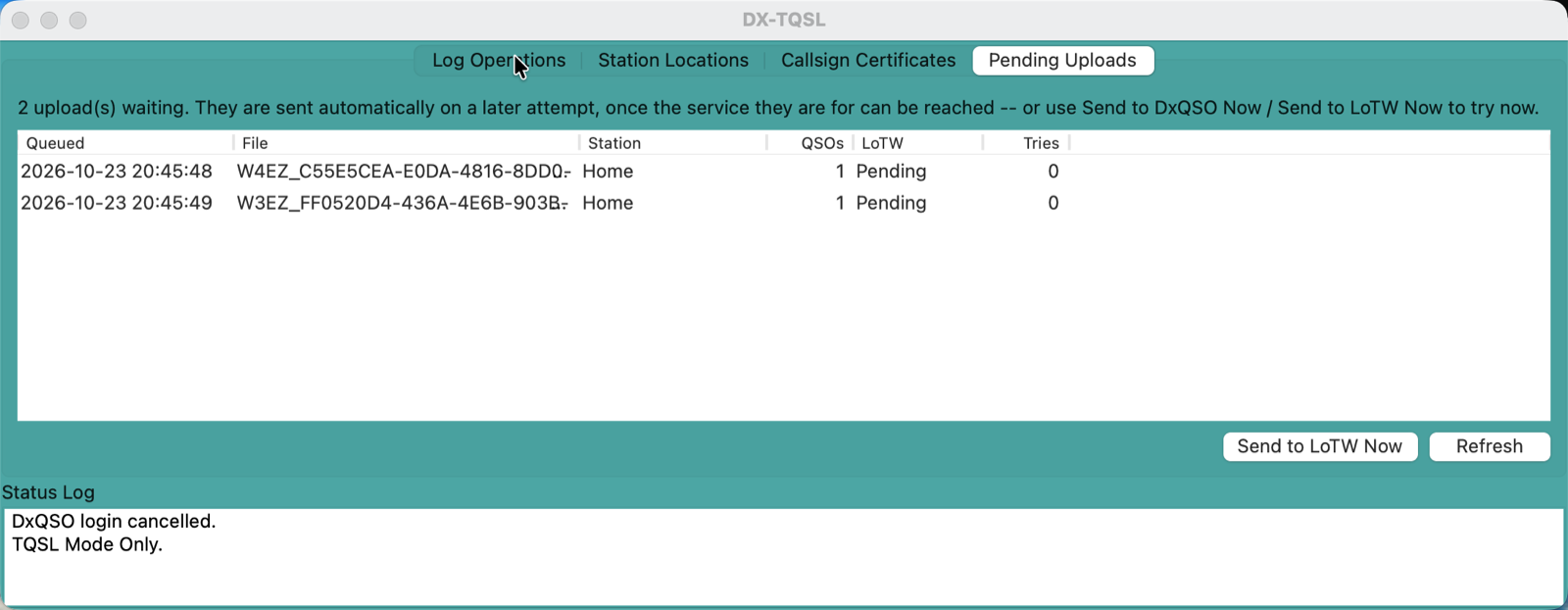
- LoTW comes back, and so does your backlog. The first upload that gets through takes everything in the queue with it. Or open the Pending Uploads tab and choose Send to LoTW Now. DX-TQSL checks that LoTW is answering first.
The result: an LoTW maintenance window is something you can log straight through. Your logbook carries on, and your uploads catch up on their own.
Pending Uploads: see what's waiting for LoTW
The Pending Uploads tab shows every signed log in the queue, so you are never guessing: when it was queued, the station location, how many QSOs it holds, and how many times it has been tried. When LoTW is back you can leave it to your next upload or send the queue yourself with one click.
What it does not do
We would rather you know exactly how it behaves:
- A rejection is not queued. If LoTW receives your log and rejects it, that is a problem with the log, not with LoTW, and sending it again would not help. DX-TQSL reports it so you can fix it.
- The queue goes out with your next upload. DX-TQSL doesn't sit polling LoTW in the background. If you stop logging, the queue waits until your next upload, or until you press Send to LoTW Now.
- The first upload of an LoTW outage still waits. DX-TQSL can't know LoTW is down until it tries, so the first upload waits for LoTW to time out. The ten minutes after that don't.
- In the DX-TQSL window itself, the familiar TQSL question "Your upload appears to have failed. Should TQSL try again?" still appears once. Answer No and the log is queued. Uploads your logging program sends in the background don't show it.
Stock TQSL handles a failed upload too. It asks whether to try again and lets you save the signed file. The difference is that DX-TQSL doesn't need you to be there to answer.
No DxQSO account needed
DX-TQSL is built on ARRL's open-source TrustedQSL. Install it over your existing TQSL, keep your callsign certificates and station locations, and your logging program keeps working as it does today. When it asks you to sign in to DxQSO, choose Skip and DX-TQSL works as TQSL, with store-and-forward included.
If you do create a free DxQSO login, you also get:
- Store-and-forward for DxQSO uploads, queued and re-sent the same way if DxQSO is ever unavailable;
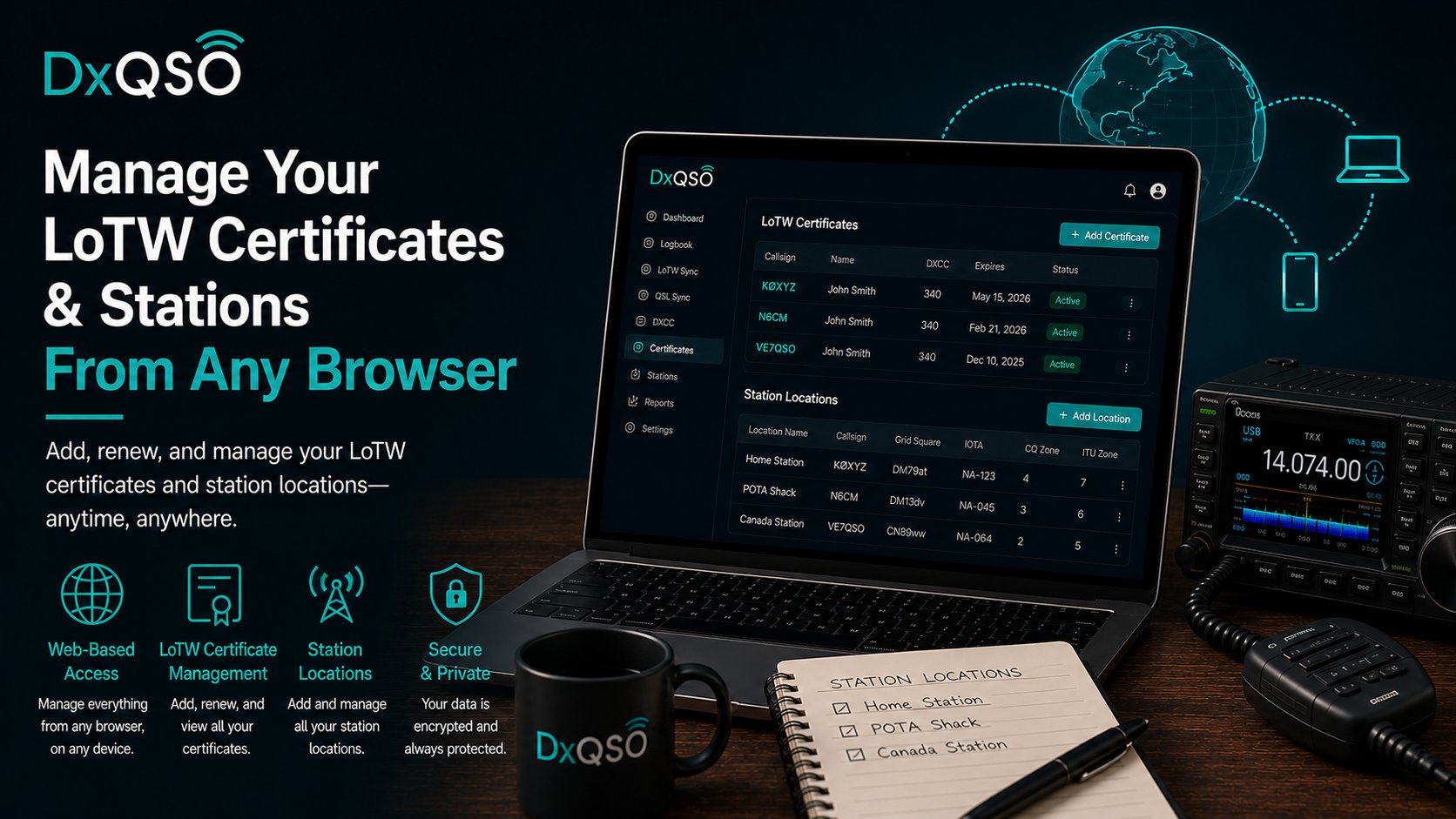
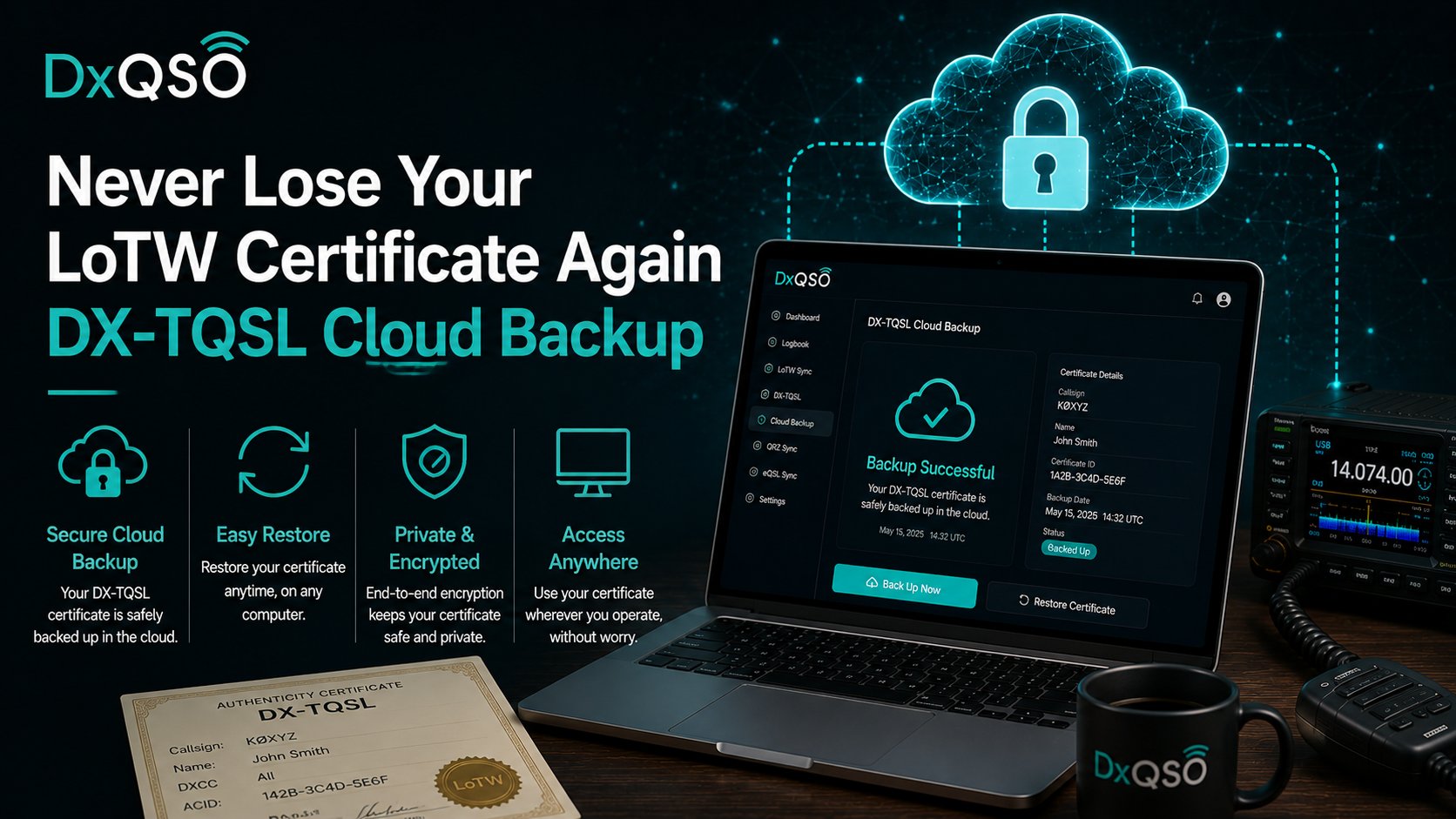
- a cloud backup of your certificates and station locations, so a new computer is set up in minutes (see never lose your LoTW certificate again);
- every QSO on your phone, in the DxQSO app for iOS and Android.
That is an offer, not a requirement.
Download DX-TQSL
DX-TQSL 2.87 is free for Mac and Windows. Install it over the TQSL you already have, and the next LoTW maintenance window is one you can log straight through.
Download DX-TQSL for Mac or Windows
New to LoTW? Start with what LoTW is and how it works, and see how to back up your LoTW certificate and log. Setting up a particular logging program? We have setup guides for N3FJP, Log4OM, MacLoggerDX and OpsLog.
Common questions
Do I have to stop logging when LoTW is down?
No. Keep logging as usual. DX-TQSL keeps each signed log in its queue and tells your logging program it is safe, and the backlog goes to LoTW with your first upload after LoTW is back.
Do I need to uninstall TQSL first?
No. Install DX-TQSL over your existing TQSL. Your certificates and station locations stay where they are, and your logging program finds it in the same place.
Do I need a DxQSO account?
No. Skip the sign-in and DX-TQSL works as TQSL, including store-and-forward for LoTW. A free login adds cloud backup, store-and-forward for DxQSO uploads, and your QSOs on your phone.
When does the queue go to LoTW?
With your next upload that gets through, or straight away when you choose Send to LoTW Now on the Pending Uploads tab.
What if LoTW rejects a log?
It is not queued or retried, because sending it again would not change the answer. DX-TQSL reports the rejection so you can correct the log.
73, Steve, N1EZ
LoTW® is a registered trademark of the American Radio Relay League. TrustedQSL is ARRL's open-source software. DxQSO is not affiliated with or endorsed by the ARRL.