Never Lose Your LoTW Certificate Again — DX-TQSL Cloud Backup
Oct 21, 2025 · Steve Berry, N1EZ
Ask around at any club meeting and you will find someone with a story about losing their Logbook of The World® certificate — a dead hard drive, a stolen laptop, a reinstalled operating system — followed by the long, anxious process of getting set up with the ARRL again. DX-TQSL exists, in large part, to make sure that story never happens to you. It is another example of what DxQSO is really about: not replacing your tools, but adding the connectivity and safety net they always lacked.
DX-TQSL, briefly
DX-TQSL is our desktop companion app for Mac and Windows. It handles the LoTW certificate signing and submission that TQSL, the ARRL’s signing software, has always done — but it adds the one thing that was always missing: a secure connection to the cloud, so the things you cannot afford to lose are backed up automatically.
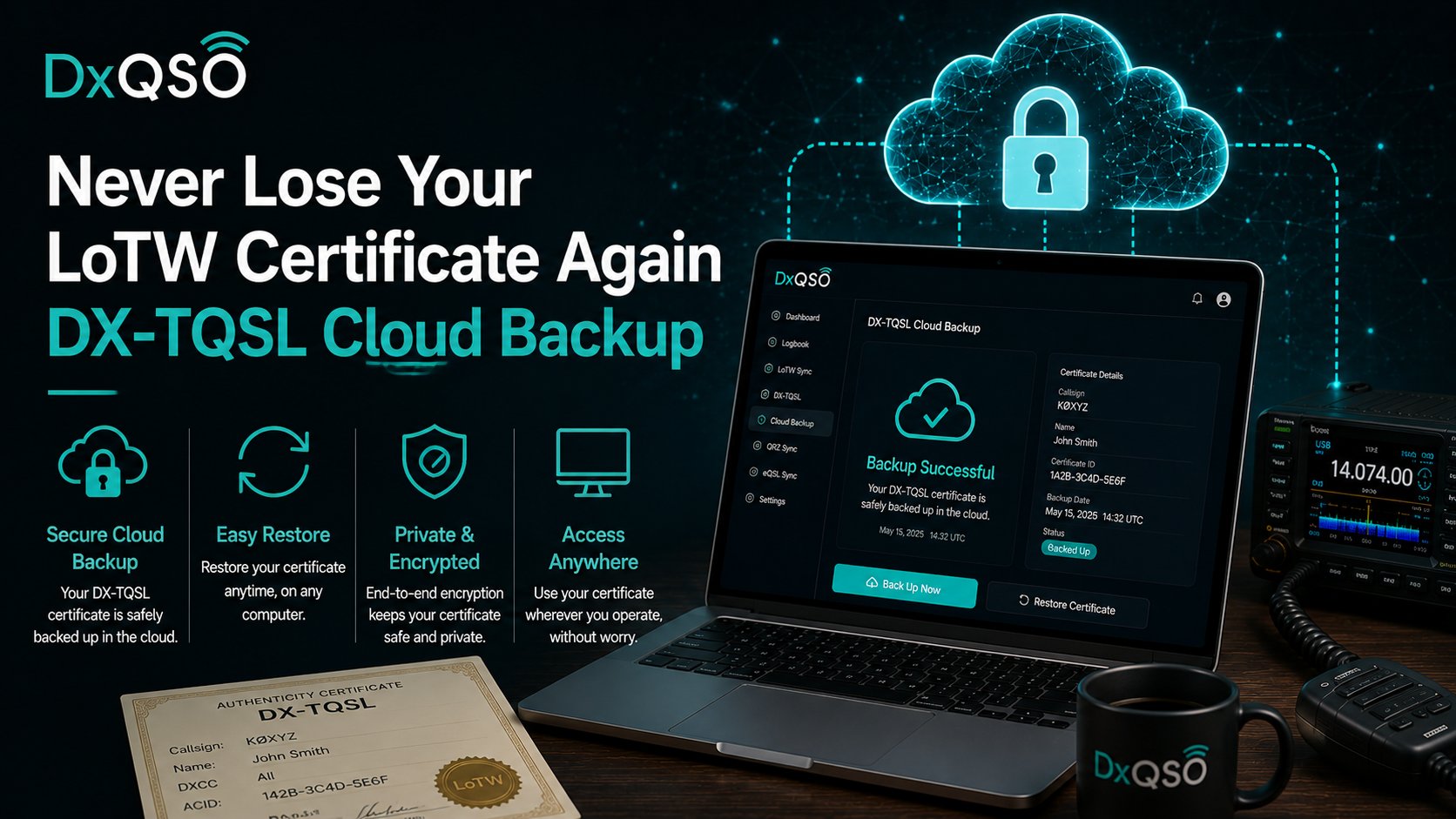
That backup is the headline. When DX-TQSL is signed in to your DxQSO account, your LoTW certificates and your station locations are safely stored in the cloud. New computer? Reinstall? You sign in, and you are back — certificates and stations restored — instead of starting over with the certificate request process you would rather forget.
Why we built it this way
This part is personal. Before DxQSO, I spent time at the ARRL as Director of IT, working on LoTW and thinking hard about how to modernize it. Certificate backup and recovery was one of the improvements I most hoped to see — the kind of safety net that should simply exist for something as important as your LoTW identity. I left before that work could begin, and DX-TQSL grew directly out of those ideas. It is the same instinct that drives all of DxQSO: take the parts of the hobby that are brittle and computer-bound, and connect them to the cloud so they are durable and available everywhere.
Importantly, DX-TQSL works whether or not you use LoTW directly. It is the connectivity layer between your desktop logging and the cloud, providing the bridge the original tooling never had. If you do use LoTW — and most of us do — it quietly makes the scariest part of that system far less scary.
What gets protected, and how
It is worth being concrete about what “backed up” means here, because it is more than just the certificate. When DX-TQSL is signed in to your DxQSO account, it protects your callsign certificates, your station locations — every one of them, with the DXCC entity, grid, and zone details that took real effort to enter — and your upload preferences. Backups happen automatically the moment you sign in, and again whenever something changes: a new certificate installed, a renewal, a station location added or edited. You do not push a button or remember a routine. The safety net maintains itself. (For the whole checklist — log, certificate and stations — see how to back up your LoTW certificate, stations and log.)
Restore is the mirror image, and it is deliberately boring. Install DX-TQSL on the new machine, sign in, and your certificates and stations come back down from the cloud on their own. There are no .tq6 files to hunt for in old email, no re-requesting anything from the ARRL, no rebuilding your station list from memory. If the software detects an empty certificate store — the fingerprint of a fresh install or a wiped drive — it can restore your most recent backup automatically after you log in.
The worst possible day
Here is the scenario this feature exists for. Your shack computer does not come back to life — a failed drive, a lightning hit, a laptop that simply will not boot the morning after a contest. In the old world, that is the start of a bad week: certificate requests, waiting on the ARRL, trying to remember every station location you had configured, and hoping you saved a .tq6 somewhere you can still reach. With DX-TQSL, it is a ten-minute errand. New machine, install, sign in, done — your LoTW identity and your entire station setup restored from the cloud, exactly as they were. The disaster becomes an inconvenience, which is the whole idea.
One setup, every computer you operate from
Backup and restore is not only for disasters. If you operate from more than one machine — a desktop in the shack, a laptop for the field, a computer at the club station — the same cloud backup keeps them in step. Set up a new station location on one, and it is available to restore on the others. Your LoTW environment stops being tied to a single hard drive and becomes something that follows you to whatever computer you happen to be operating from, which is the same portability DxQSO brings to everything else.
Set up once, protected from then on
Install DX-TQSL, sign in to DxQSO, and let it back up your certificates and stations. It is a five-minute task you will be deeply grateful for on the worst possible day — the one where your shack computer does not come back to life. And like everything we build, it does not ask you to give up the way you already work; it just adds a layer of protection and connection on top of it.
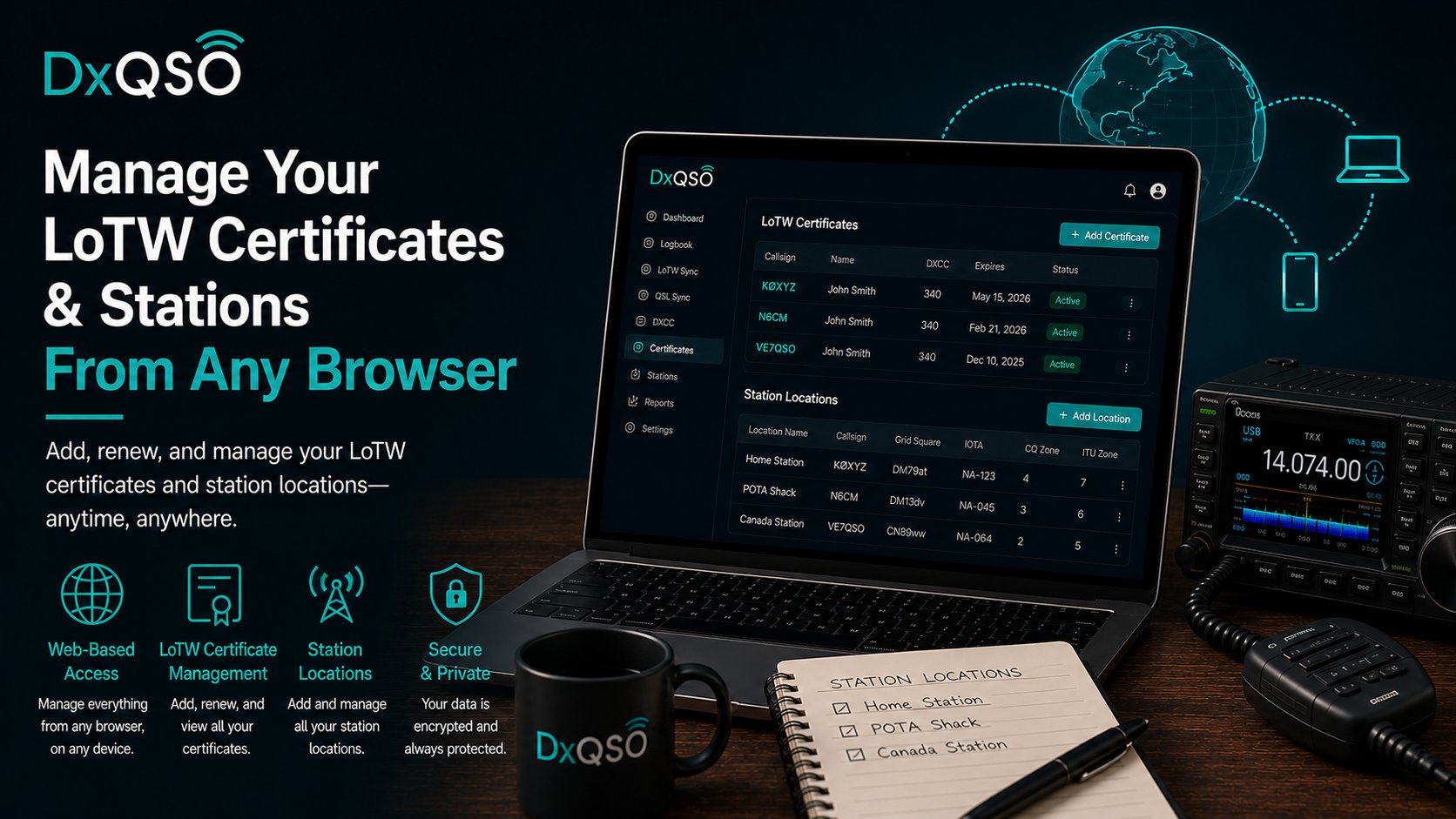
This is the first of a couple of DX-TQSL stories I want to tell. The next one is about managing those same certificates and stations from any browser, on any device — but it starts here, with never losing them in the first place.