Manage Your LoTW Certificates & Stations From Any Browser
Jan 26, 2026 · Steve Berry, N1EZ
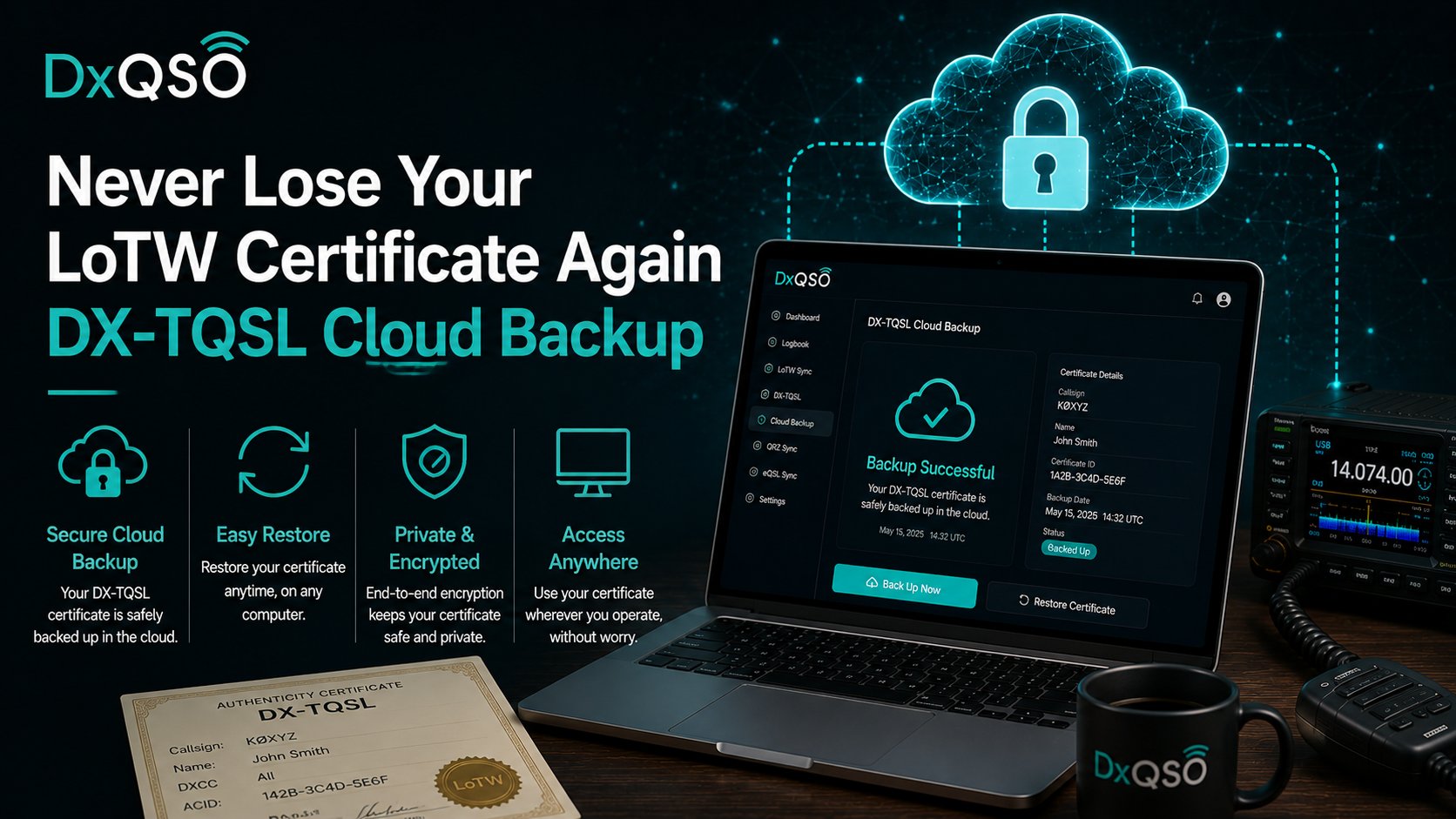
In the fall I wrote about never losing your LoTW certificate again thanks to DX-TQSL’s cloud backup. This is the follow-up I promised, and it is a small feature with a big philosophy behind it: once your Logbook of The World® certificates and station locations live safely in the cloud, you can manage them from any browser, on any device.
Your certificates and stations, freed from one machine
Certificates and station locations have always been tied to a specific computer running specific software. That made perfect sense twenty years ago and makes a lot less sense now, when your operating happens across a desk, a phone, a tablet, and a remote rig two time zones away. With DX-TQSL backing your certificates and stations up to DxQSO, you can now see and manage them from the web — no single machine required.
Need to check which stations you have configured before a trip? Want to confirm your certificate situation from a laptop that is not your shack computer? It is all there, in your account, accessible from wherever you happen to be. The desktop app still does the cryptographic signing work that only it can do; the cloud simply frees the management of your LoTW identity from any one device.
What you can actually do from the web
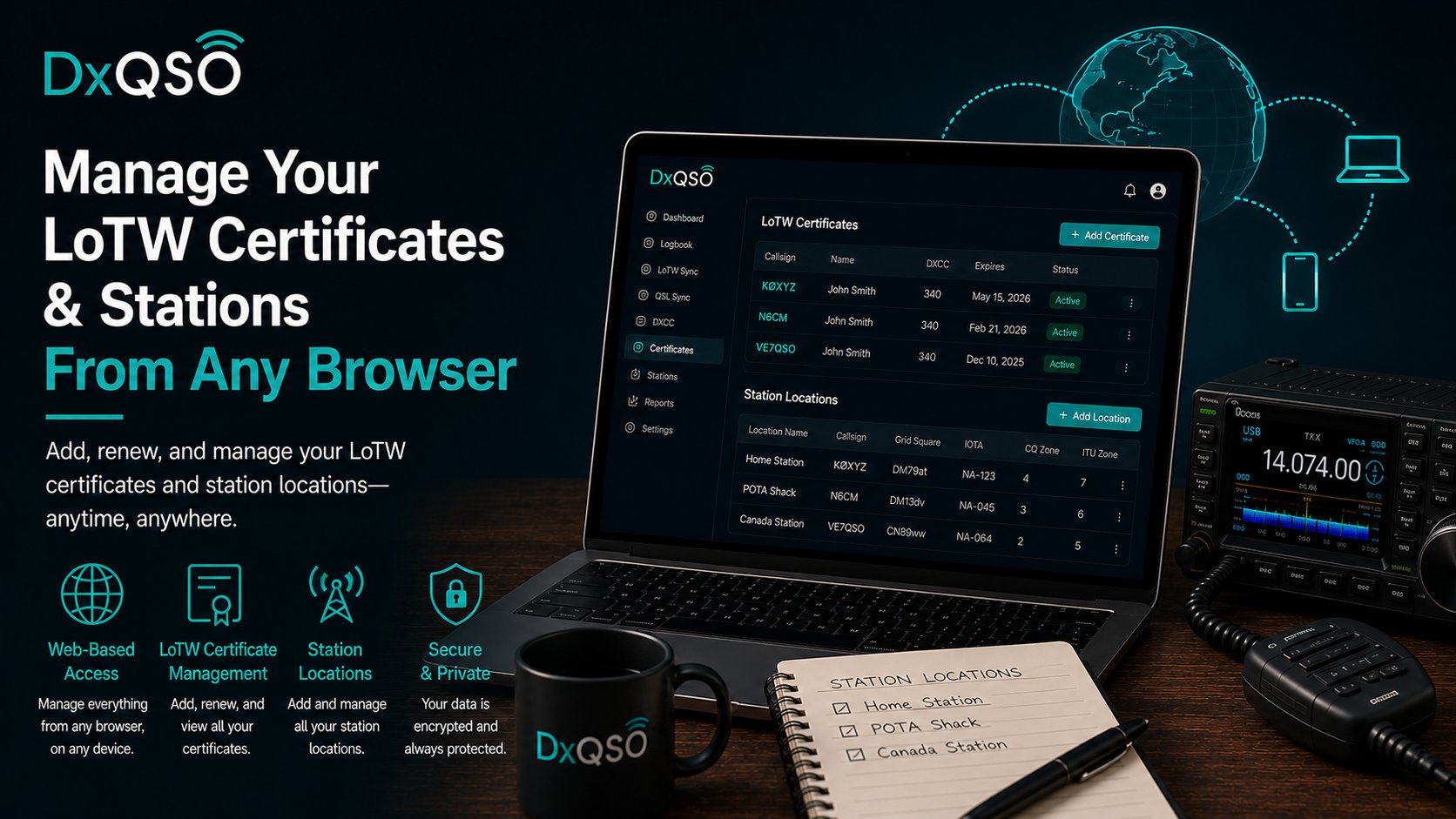
Concretely, once your DX-TQSL setup is backed up to DxQSO, the website becomes a control panel for your LoTW identity. You can see your callsign certificates and when they expire, so a renewal never sneaks up on you mid-contest. You can review every station location you have configured — the callsign, DXCC entity, grid, and zones for each — and check that a portable or contest station is set up correctly before you leave, from whatever device is handy. And you can pull down a copy of your configuration backup when you want one. None of this required a trip to the shack computer, which is exactly the point.
It also means a second set of eyes on the thing that is easiest to get wrong. Station locations are fiddly, and a mistake in one quietly produces mismatched or rejected uploads down the line. Being able to look them over from anywhere, against your actual operating record, makes that whole class of problem easier to catch before it costs you confirmations.
The signing stays where it belongs
To be clear about the division of labor: the desktop app still performs the cryptographic signing that only it can do, using the certificate on your machine. We did not move anything sensitive into a browser that should not live there. What the cloud freed is the management — the seeing, checking, backing up, and restoring — while the actual signing of your contacts for LoTW remains the desktop app’s job, exactly as it should be. Portability where it helps, security where it counts.
Same idea, every time
If you have read a few of these posts, you can probably predict the philosophy by now, because it is the same one that drives the entire system. The important parts of your station should not be trapped on one hard drive. Your record is in the cloud and on your phone. Your confirmations find you wherever you are. It only makes sense that your LoTW certificates and the stations you operate should be just as portable, just as recoverable, and just as available.
This is connectivity applied to the one corner of the hobby that needed it most. We did not reinvent how LoTW works, and we did not ask you to stop using it. We added a secure bridge to the cloud, and now that bridge lets you reach your certificates and stations from anywhere — the same way DxQSO reaches everything else you do on the air.
Get set up
If you already run DX-TQSL and are signed in to DxQSO, your certificates and stations are backed up — go take a look at managing them from the web. If you have not set it up yet, it is a short job that protects your LoTW identity and unlocks this anywhere-access at the same time. Two birds, five minutes.
It is the kind of quiet modernization our hobby has needed for a long time, and I am glad it is finally here. Small feature, big relief — and one more piece of the connected system DxQSO is building around the tools you already trust.