The Drive Died. What Did You Actually Just Lose?
Aug 22, 2026 · Steve Berry, N1EZ
Everything else in your shack can be replaced with money. The radio, the amplifier, the rotator, the computer itself — all of it is a purchase and an afternoon. What cannot be replaced is what is on that computer, and most operators have only ever thought about half of it.
Three things, not one
When a drive dies, you lose three separate things. People plan for the first and are blindsided by the other two.
Your log. Twenty years of contacts in a file written by one program. Obvious, and the one most operators have some sort of backup for.
Your LoTW® callsign certificate. This is the one that hurts. The certificate is your cryptographic identity with the ARRL — it is what proves an upload is really from you. Lose it and you cannot sign anything until you have been through the request and verification process again. Ask at any club meeting and someone will have the story: the dead laptop, then the long wait, then weeks of contacts sitting unsigned.
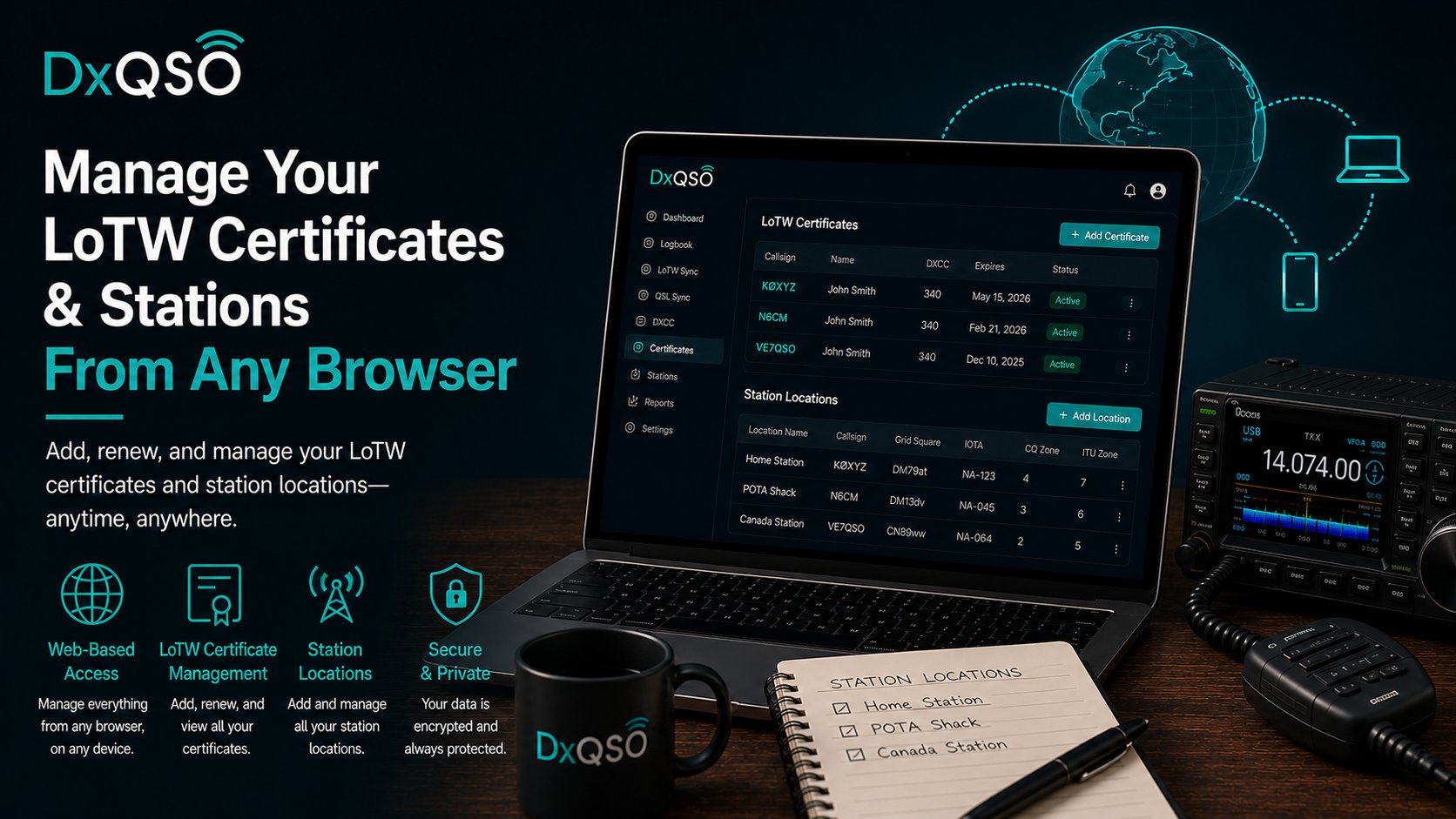
Your station locations. Every station you painstakingly set up in TQSL — the DXCC entity, the grid square, the CQ and ITU zones, for the home station and the portable one and the one you use from the cabin. None of that is hard, exactly. It is just fiddly, and you did it once, carefully, and you do not remember the details any more.
The uncomfortable truth is that the second and third are usually backed up by nobody. An operator with a perfect log backup can still be off the air for weeks because the certificate went down with the machine.
Use DX-TQSL instead of TQSL
This is the single change that fixes the two hard ones.
DX-TQSL is our desktop app for Mac and Windows, and it does everything TQSL does — it signs your contacts with your callsign certificate and submits them to LoTW, exactly as before. It is the same job, done the same way.
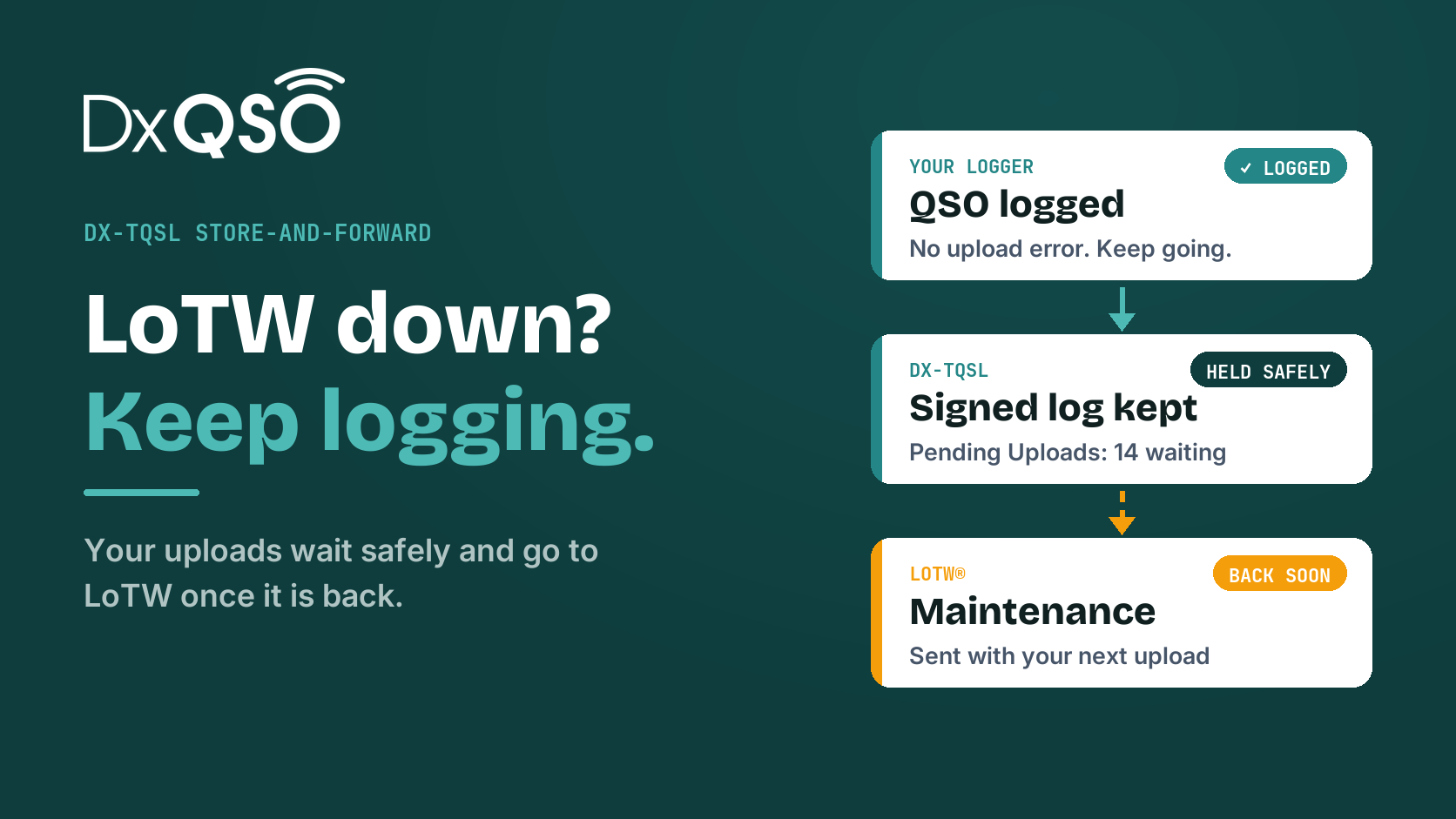
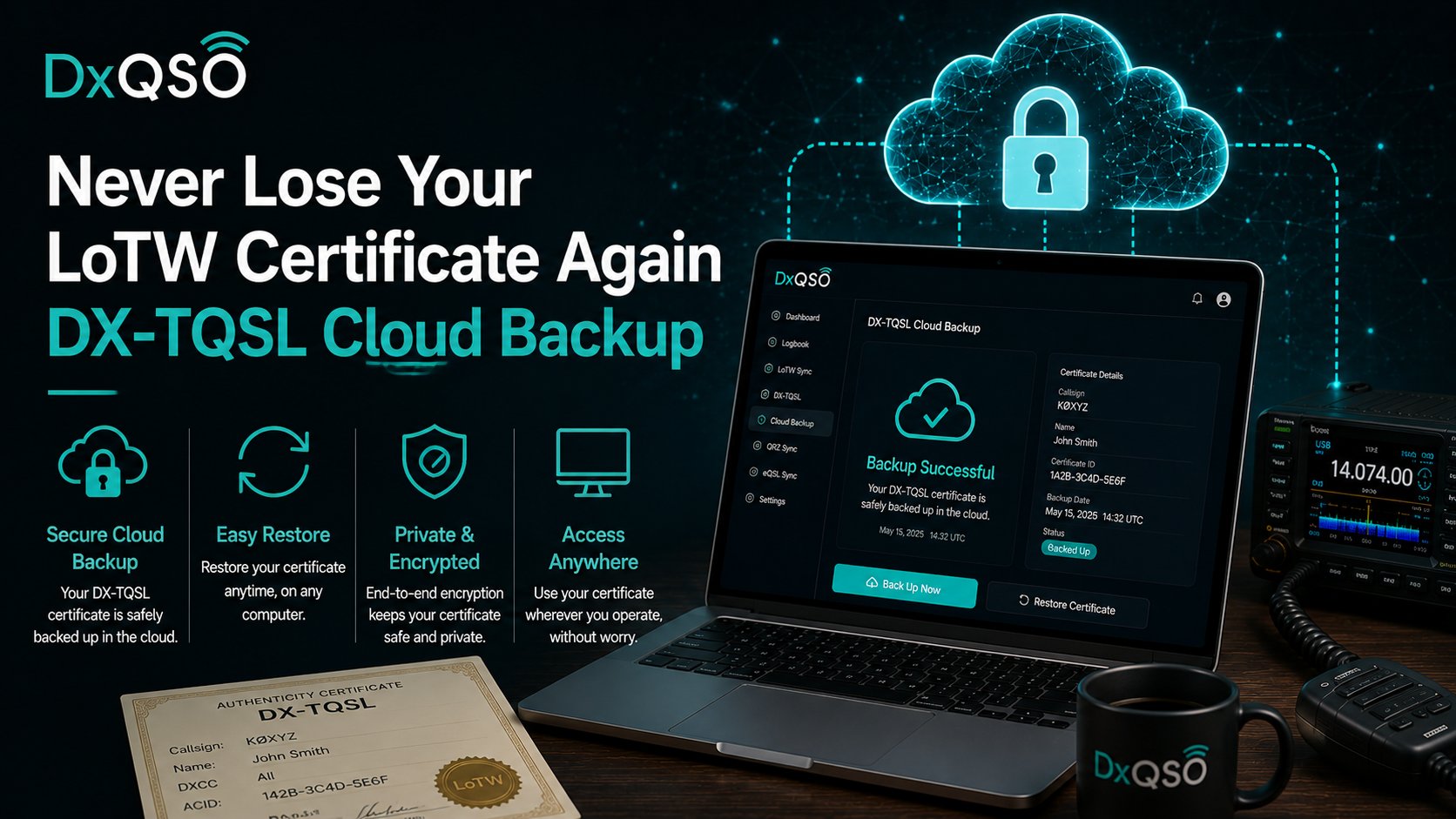
What it adds is the thing plain TQSL never had: when it is signed in to your DxQSO account, it backs your certificates and your station locations up to the cloud automatically. Not when you remember to. On sign-in, and again whenever something changes — a certificate installed, a certificate renewed, a station location added or edited.
So the recovery story becomes almost boring, which is the point:
- New PC or new Mac. Install DX-TQSL.
- Sign in with your DxQSO username and password.
- Your certificates and your station locations come back down.
That is it. You are signing and uploading again in minutes, from a machine you bought that morning — no certificate request, no waiting on verification, no trying to remember which zone your portable station was in.
And the log itself
The same principle, one layer up. Your contacts live in DxQSO's cloud rather than only in a file on one machine: upload ADIF, or connect LoTW and QRZ so your confirmations flow in on their own, or capture live from a contest logger through the Network Listener.
Two things worth knowing about how that copy behaves:
- It is exportable. ADIF out, whenever you want it. It is your log, in the amateur radio interchange format, not locked in a container only we can read.
- Deletions are soft. A contact you remove is tombstoned rather than destroyed, so an accidental bulk delete is a recoverable mistake instead of a permanent one.
This does not replace your logging program
Worth saying plainly. Keep logging in DXKeeper, N3FJP, Log4OM, N1MM+, Ham Radio Deluxe, WSJT-X — whatever you like. DX-TQSL replaces TQSL, the signing utility, not your logger. DxQSO is the copy that lives somewhere else and follows you around.
The test worth applying tonight: if this machine died right now, what would I lose, how long would I be off the air, and how would I read what survived? If the answer to the middle one is "weeks", the fix is one download and one sign-in.
Common questions
Does DX-TQSL do everything TQSL does?
Yes — signing and submitting to LoTW, the same job. The backup is added on top.
What exactly gets backed up?
Your callsign certificates, your station locations with their entity, grid and zone detail, and your upload preferences.
Do I have to remember to back up?
No. It happens when you sign in and whenever something changes.
What do I need on a new computer?
DX-TQSL and your DxQSO username and password. That is the whole list.
Can I still get my log out?
Yes, as ADIF, whenever you like.
73, Steve, N1EZ
LoTW® is a registered trademark of the American Radio Relay League. DxQSO is not affiliated with or endorsed by the ARRL. Worked All Zones, WPX and the DX Marathon are awards of CQ Amateur Radio. DxQSO is not affiliated with or endorsed by CQ.