Aug 3, 2026 · Steve Berry, N1EZ
Here's a scene every active operator knows. You work a new one — a DX entity you've chased for years, or a state you still need for Worked All States. You log it, you upload it, and then… you wait. You log into LoTW, run a report, and squint at the list to see whether the operator on the other end has uploaded their side yet. Nothing. You check again tomorrow. And the day after.
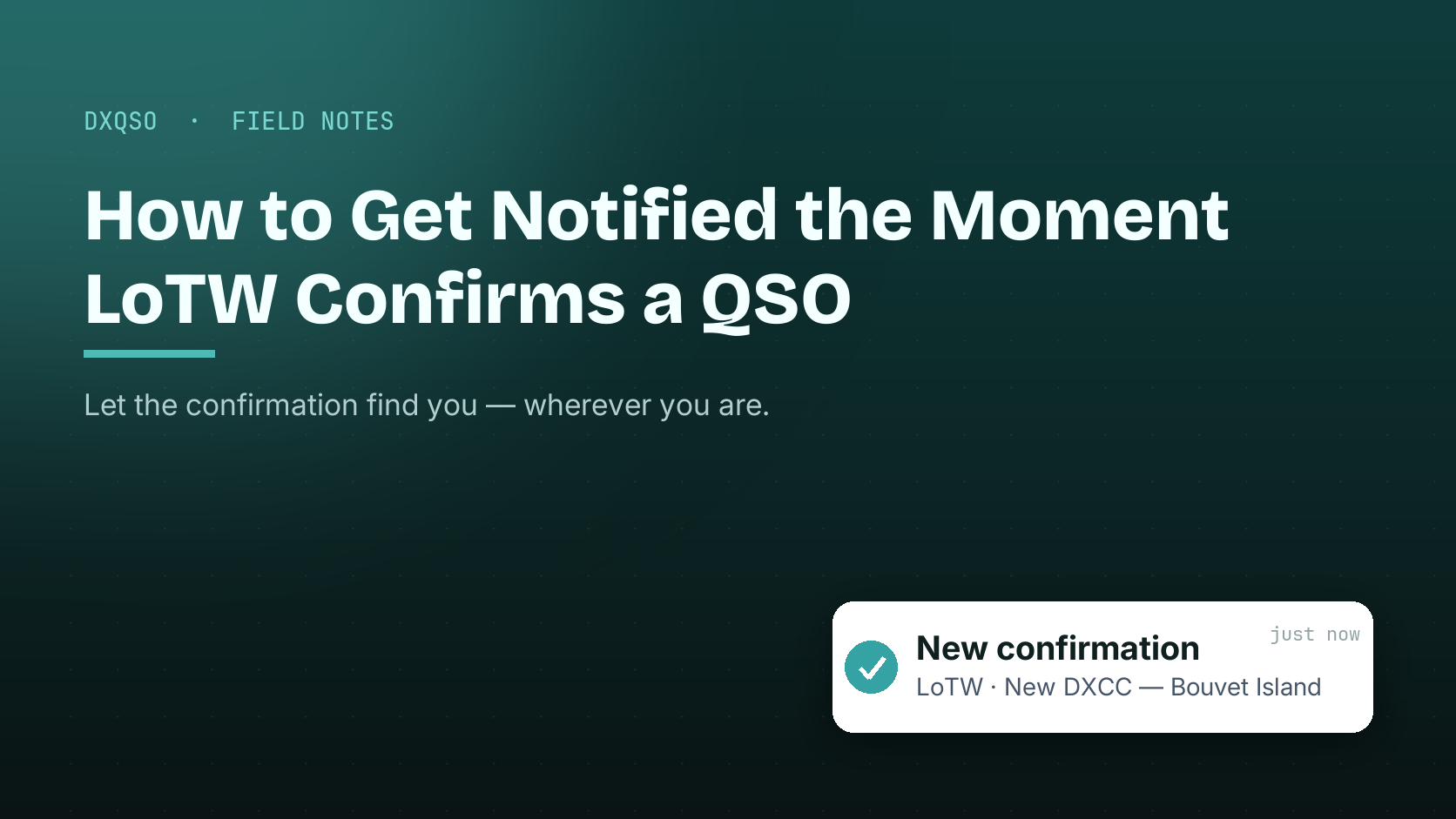
There's a better way, and it's the reason DxQSO exists: the confirmation should find you — not the other way around. This post is about exactly that: how to get an alert the instant LoTW® confirms one of your contacts, so you never have to log in and go looking again.
Logbook of The World is the ARRL's confirmation system. When you upload a QSO to LoTW — signed with your certificate through TQSL — it sits there as your record of the contact. It becomes a confirmed QSL only when the operator on the other end uploads their matching record: same call, same band, same mode, same time. When both sides agree, LoTW marks the contact confirmed, and that confirmation is what counts toward awards like DXCC, WAS, and VUCC.
I spent time close to this system when I worked in IT at the ARRL, and the thing that always struck me is the timing: you have no control over when the other operator uploads. It might be minutes. It might be a DXpedition that batch-uploads months later. The confirmation you're waiting for can land at any moment — which is precisely why sitting and refreshing is the wrong model.
For years the routine was simple because it had to be — log into LoTW, download your confirmations, and compare them against what you had before. When your logbook held a few hundred QSOs, that was fine. At a few thousand, or a few hundred thousand, it's a chore. And worse, it means the good news waits for you to go find it. A new country can be confirmed on a Tuesday afternoon and you won't know until you happen to log in on Saturday.
DxQSO connects directly to your LoTW account and watches it for you. It syncs automatically, on a schedule, around the clock. The moment one of your QSOs flips to confirmed, DxQSO knows — and it tells you. A push notification lands on your phone, wherever you are. No logging in. No reports. No squinting at a diff. You simply find out.
This is the whole idea behind “ham radio that knows you”: the hobby pays attention to you, instead of you doing all the checking.
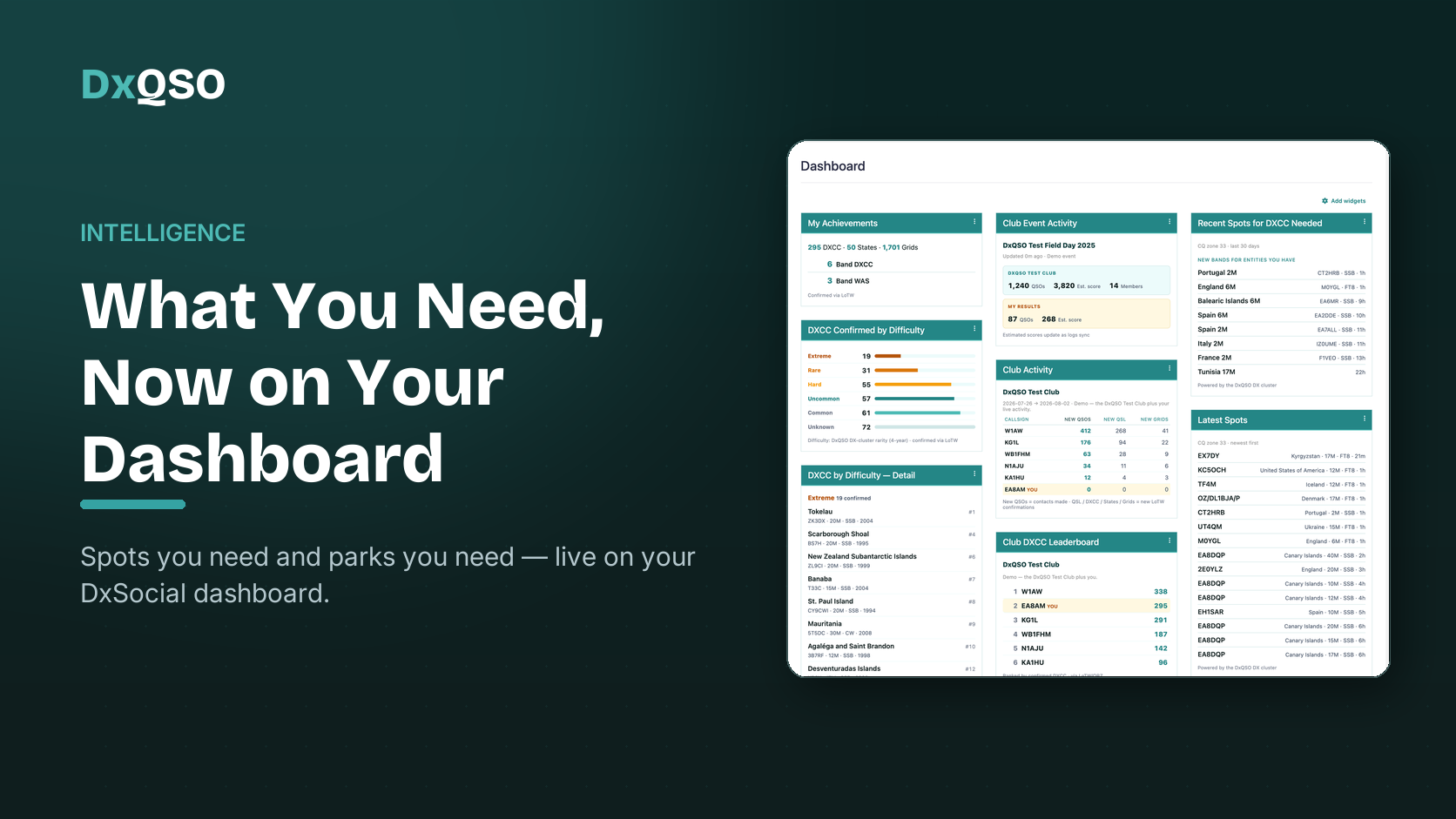
Here's where it gets genuinely useful. Because DxQSO already tracks your awards and achievements, it doesn't just tell you that a QSO confirmed — it tells you what that confirmation moves. Is it a brand-new DXCC entity? A new state that gets you one closer to WAS? A new grid? A new band-country? The alert carries the meaning, not just the event. That's the difference between raw data and actual guidance.
Nothing here asks you to change how you operate. Keep logging in DXKeeper, N3FJP, Log4OM, N1MM+, Ham Radio Deluxe, WSJT-X — whatever you love. DxQSO reads your confirmations from LoTW; it does not replace your logger. And if you use QRZ Logbook, DxQSO watches that too and keeps both in sync, so a confirmation from either source reaches you the same way.
If you don't upload to LoTW today because certificates and TQSL have always felt like a hassle, that's exactly what DX-TQSL is for — it makes signing and submitting to LoTW painless, and backs up your certificate so you never lose it.
Start to finish, this takes a few minutes:
That's it. From then on, the next time a DXpedition uploads or a hunter confirms you, your phone is what tells you — not a website you remembered to open.
If you're a POTA activator, this is the difference between wondering and knowing. You can upload an activation from the trailhead and watch the confirmations roll in while you're still packing up — instead of driving home to check a laptop. DX chasers get told the instant a rare one is in the log for good. And for clubs, every member's confirmations can roll up into a shared, live picture, so Field Day and award races become a team sport.
However long it takes the other operator to upload their side — which could be minutes or months. That unpredictability is the entire reason a notification beats checking: you can't know when to look, so let the system look for you.
Yes — TQSL (or DX-TQSL) is how you sign and upload your own log to LoTW. DxQSO handles the other direction: reading your confirmations back and alerting you. They're complementary, not competing.
Absolutely. Even with a single logbook, your confirmations now find you wherever you are. You don't need to run ten logging programs to benefit — you just need your log to reach your pocket.
Yes — connecting LoTW and QRZ and receiving confirmation alerts is part of the DxQSO free tier. You can be up and running today at no cost.
The best DX confirmation I ever got, I found out about days after it happened. That always felt backwards to me. Your confirmations are some of the most satisfying moments in this hobby — you shouldn't have to go hunting for them. Set this up once, and let them come to you.
73,
Steve, N1EZ