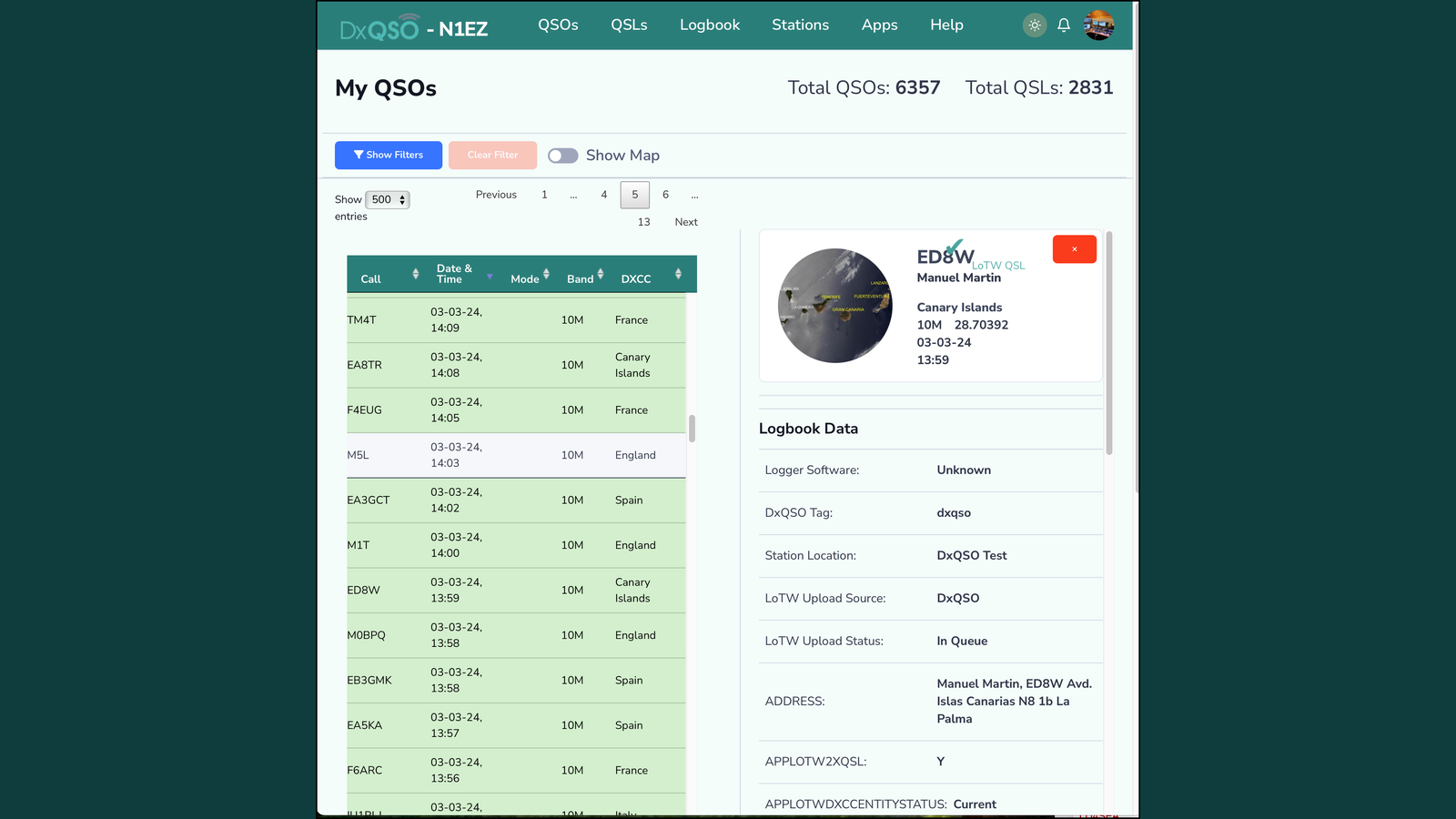
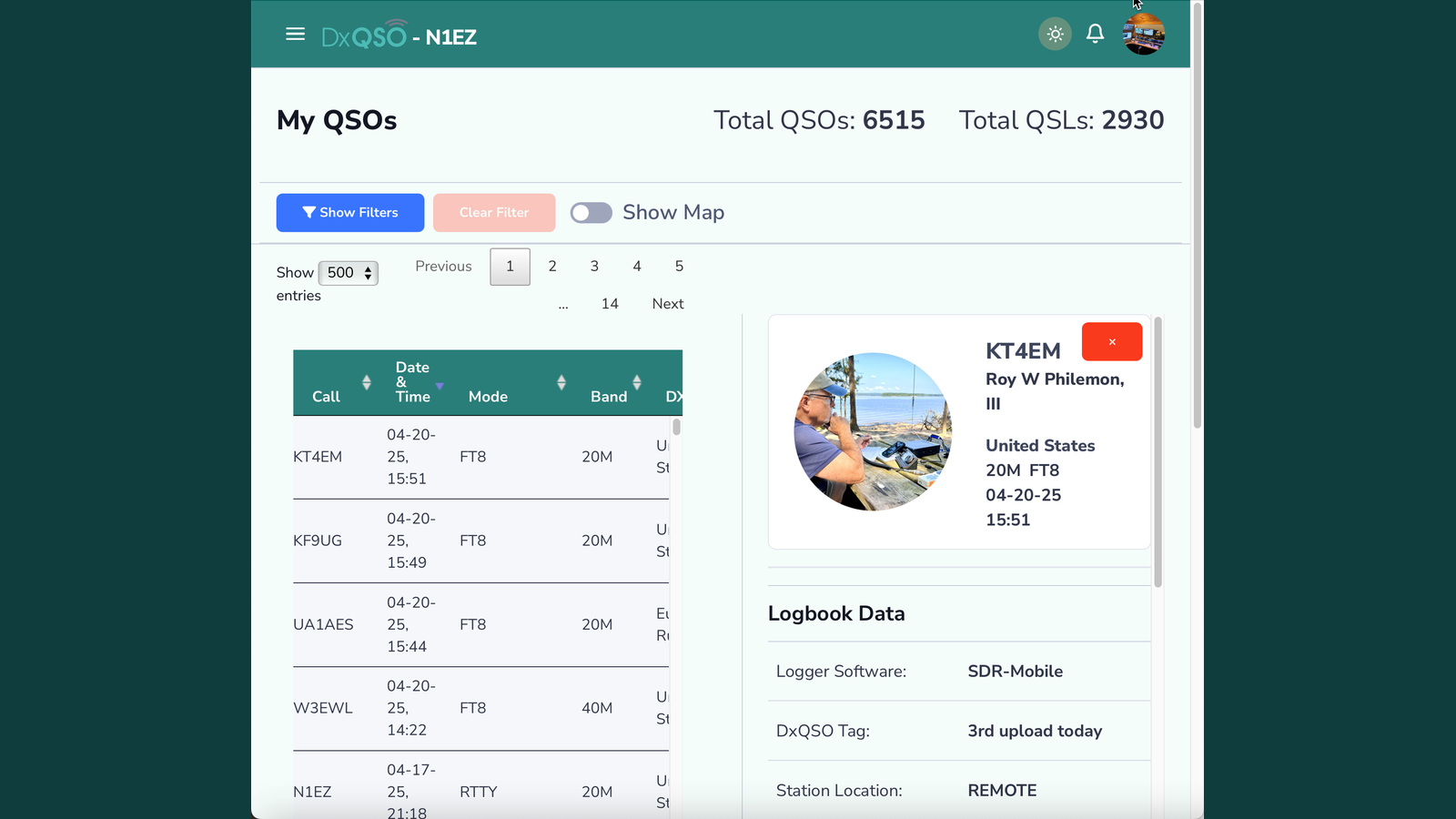
We have recently (finally!) released the new DxQSO.net web application (v2) as well as the 1.1 version of the DxQSO mobile app in the Apple App Store.
I am excited to get these versions out — we have been working with them for about 5 months now. The new web version is actually the first user interface built for general use; previously, dxqso.net was simply a prototype interface that let us test back-end functionality.
DxQSO.net has a new look and feel as well as a dark mode. More importantly, you can create and edit “stations” — groups of QSOs organized however you like. This could be by geographic location (Home/Remote/Portable/Mobile) or by activity type such as “contest,” “POTA” or “SOTA.”
You can organize your independent logbook applications with distinct station names, which lets you quickly view your individual logbooks by geography, operating type, or logbook application (mobile vs. desktop).
Stations can also be tagged to specific POTA or SOTA locations and hidden once you are done uploading new data to them.
A big enhancement to viewing your cloud logbook on the web is the ability to view your QSO detail on the same page and easily cycle through new QSOs.
Another new feature is the ability to upload your QSOs directly from DxQSO (including DxQSO mobile) to your LoTW account. Your LoTW certificates are uploaded to DxQSO either from the DX-TQSL application you install locally, or by uploading your .p12 certificate files exported from TQSL.
What’s great is that once “Enable LoTW Upload” is turned on, any QSO not yet uploaded to LoTW will be sent and verified — including QSOs you upload from your mobile or tablet logbook applications.
With DxQSO mobile version 1.1, you now receive QSL Alerts when new QSL achievements are matched by LoTW. They pop up on your phone — no need to check LoTW for new QSLs. Who has time for that?
With DxQSO Mobile, you can immediately export your ADIF data from your mobile logbook app and upload it directly to DxQSO, then have those QSOs sent to LoTW. You don’t have to worry about duplicates either — just upload your logbooks and DxQSO will only add new QSOs (or update existing ones).
Stand by for our latest DX-TQSL, which will provide full cloud-based certificates and station info. DX-TQSL also lets you upload QSOs to DxQSO even if you don’t use LoTW.
Our product roadmap includes additional QSO/QSL services including QRZ and Club Log. We are also working on a ham-radio-only social media platform — share your operating achievements with your friends or local club and chat about what you’re working on, and view the real-time operating activity of your friends and club. Good stuff is coming!
Please sign up for free and join our DxQSO community! Let us know what you think and help us design and build the next-generation ham radio communication and collaboration platform.